On April 9, 2026, Shopify quietly shipped the most consequential AI release in its history: the Shopify AI Toolkit. It's a free, open-source plugin that connects Claude Code (and Cursor, Codex, Gemini CLI, and VS Code) directly to your Shopify store. Within days, the developer corner of YouTube was full of breathless "Claude can now run your entire Shopify store" demos.
The hype is mostly earned. Claude really can now read your store's data, write GraphQL mutations, edit theme files, and run Shopify CLI commands — all from a chat. But "everything" oversells it in a few specific ways that matter if you're a store owner deciding what to actually use this for.
This guide covers what the Shopify AI Toolkit does, how to set it up, what Claude can and can't realistically do for your store today, and the one thing it doesn't solve at all — the part of your store your customers actually touch.
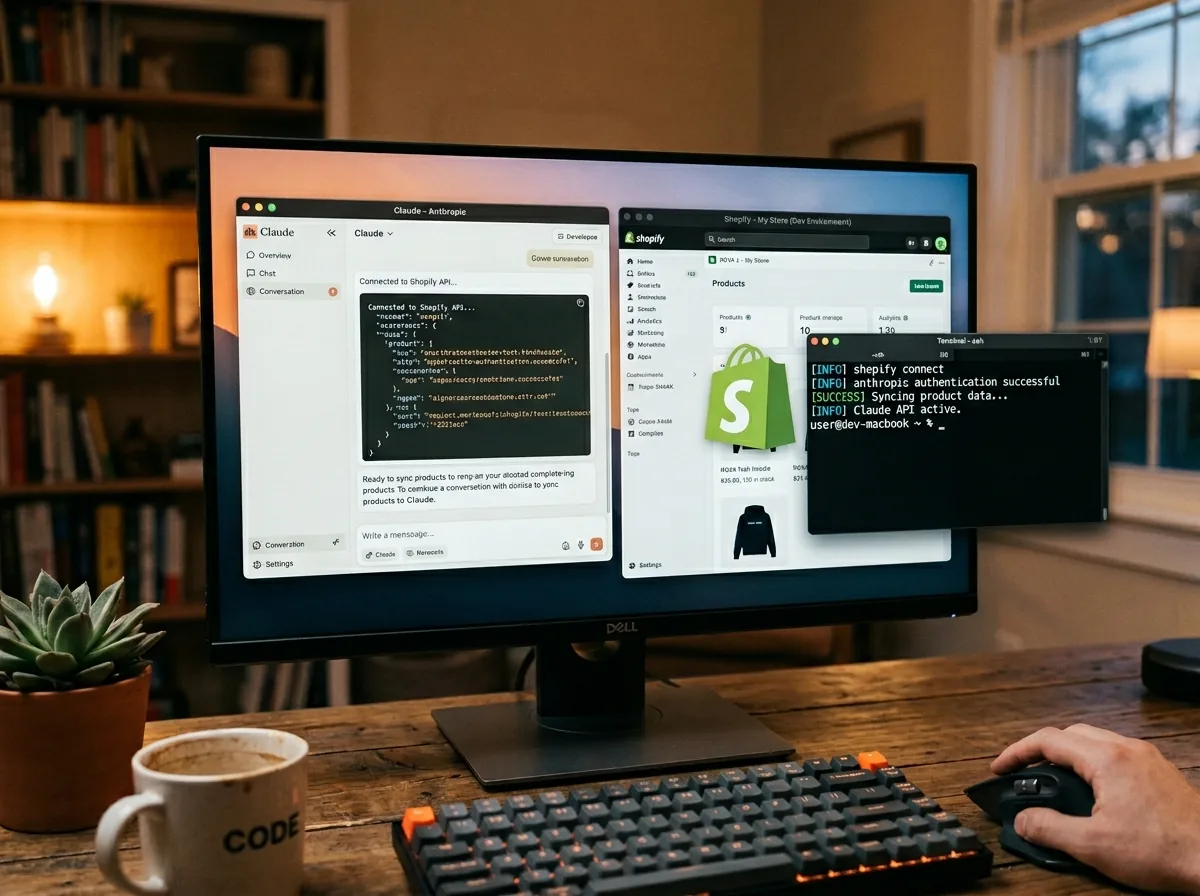
What the Shopify AI Toolkit Actually Is
Strip the marketing away and the Toolkit is three things bundled into one install:
- A documentation server. Claude can search Shopify's full developer docs and GraphQL Admin API schemas in real time. No more outdated examples from training data — it pulls live, current references.
- A code validator. Claude can validate GraphQL queries, Liquid templates, and UI extensions against the actual Shopify schema before you ship them. Fewer "this field doesn't exist" surprises in production.
- A store execution layer. Through the Shopify CLI, Claude can run real operations against a real store — create products, update metafields, edit theme files, run bulk operations.
It's an MCP server (Model Context Protocol, the open standard Anthropic introduced in November 2024). That matters because it means the same toolkit works across any MCP-compatible AI agent, not just Claude. Shopify isn't betting on one model — they're plugging into the protocol everyone's converging on.
What This Means for Store Owners
Before April, asking AI to "add a 10% discount to all winter coats" meant either clicking through the admin UI yourself or hiring a developer to write a one-off script. Now you can ask Claude in plain English and watch it execute against your live store.
Some realistic things Claude can now do for your Shopify store:
- Bulk product updates. "Add 'limited edition' to the title of every product in the Holiday 2026 collection." Claude generates the right GraphQL mutation, validates it, and runs it.
- Inventory analysis. "Show me all SKUs below 10 units across my warehouses and group by vendor." Claude runs the query, formats the result, and can email you a CSV if you want.
- Theme customization. "Add a sticky 'Free shipping over $50' banner to the cart drawer in my Dawn theme." Claude reads your theme, edits the right Liquid file, and previews the change.
- Metafield migrations. "Move all product care instructions from the description field into a dedicated metafield." Tedious to do manually, trivial for Claude to script.
- App and extension scaffolding. If you're building custom Shopify apps, Claude can scaffold them against the live Admin API schema instead of guessing.
Anthropic's own Shopify customer story notes that Shopify has been deeply integrated with Claude internally for years — this Toolkit is the same capability extended to every developer and merchant.
Setting Up Claude with Your Shopify Store
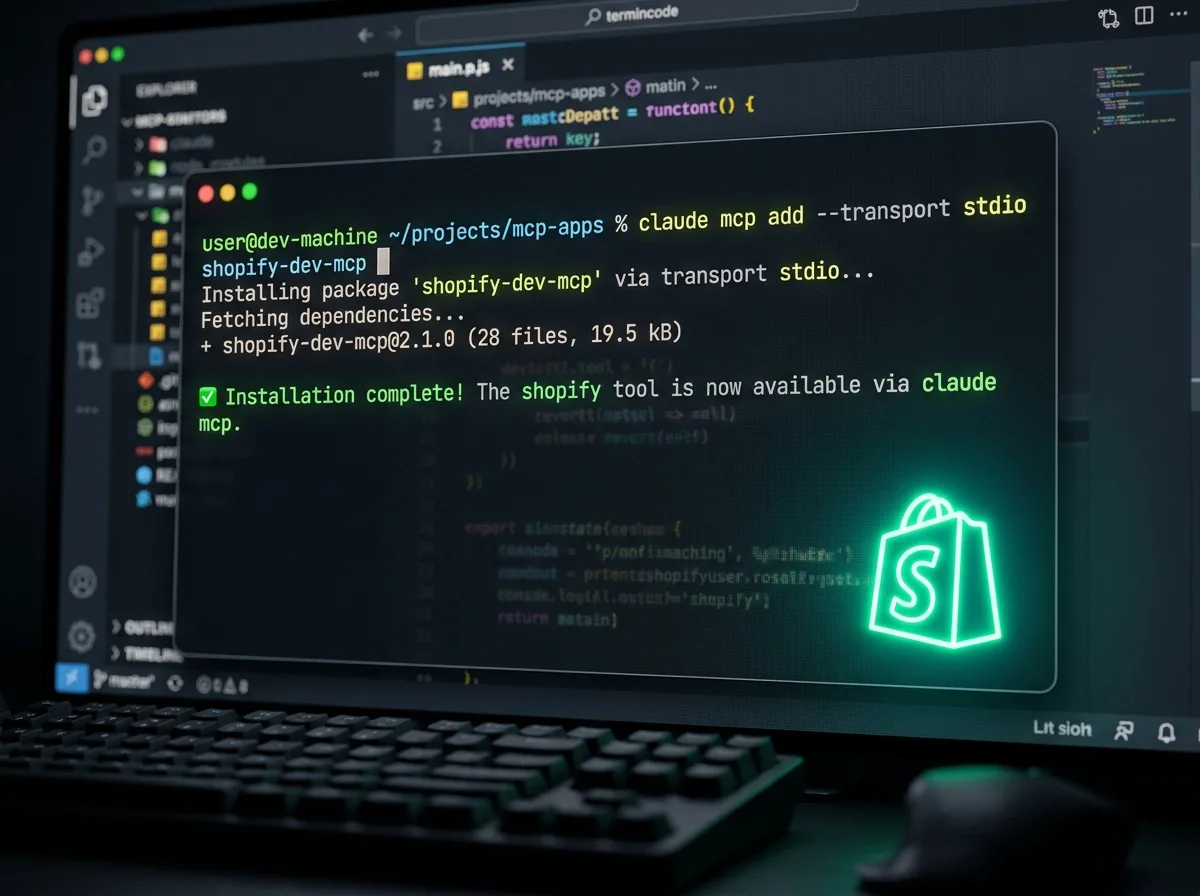
Setup takes about two minutes. You'll need Claude Code, Node.js 18+, and a Shopify store (or partner sandbox).
Install via Plugin (Recommended)
Inside a Claude Code session, run these two commands:
/plugin marketplace add Shopify/shopify-ai-toolkit
/plugin install shopify-plugin@shopify-ai-toolkit
That registers the marketplace and installs the bundled plugin in one go. The plugin auto-updates, so you stay current as Shopify ships new capabilities.
The Toolkit ships with around a dozen agent skills. The high-value ones for most stores:
- shopify-admin — Admin GraphQL API access (the big one for store operations)
- shopify-liquid — theme template validation
- shopify-functions — serverless logic for checkout and discount customization
- shopify-hydrogen — if you're running a headless storefront
- shopify-storefront-graphql — Storefront API access for custom frontends
A separate set of Polaris skills covers the design systems for admin extensions, checkout extensions, customer account extensions, POS UI, and the app home surface — useful when Claude is generating UI code for a Shopify app.
Install via MCP Directly
If you'd rather skip the plugin marketplace, register the dev MCP server manually:
claude mcp add --transport stdio shopify-dev-mcp -- npx -y @shopify/dev-mcp@latestThis gives you doc search and schema introspection immediately. Store mutations require an additional auth step — see the GitHub repo for the current OAuth flow.
Authentication for Store Operations
Read-only access (docs, schemas, query introspection) needs no API key. To let Claude actually change things in your store, you'll authenticate via the Shopify CLI and explicitly pass --allow-mutations when running commands. This is a deliberate guardrail — mutations execute immediately on your live store with no draft mode, no preview, and no undo.
The Limitations Nobody Mentions
The "Claude can do EVERYTHING" framing skips over four constraints that matter in practice:
- It's a developer tool, not a merchant chat. The Toolkit lives inside Claude Code — a CLI for developers. You can't open the Shopify admin and chat with Claude in a sidebar. (Shopify's Sidekick does that, separately — more on that below.)
- Mutations are live and irreversible. When you run
shopify store execute --allow-mutations, the change hits your production store immediately. No draft mode, no preview, no audit trail, no rollback. Always test against a development store first, especially for bulk operations. - Admin API throughput limits still apply. The Toolkit doesn't bypass Shopify's standard GraphQL rate limits and pagination caps. Heavy automation workflows can hit these faster than you'd expect — plan for batching.
- Manually installed skills don't auto-update. If you skip the plugin install and add skills individually, you'll fall behind as Shopify ships updates. Use the plugin path unless you have a specific reason not to.
None of these are dealbreakers, but they're worth knowing before you point Claude at a 50,000-product catalog and ask it to "fix everything."
Shopify Sidekick vs. The AI Toolkit: Different Tools
This trips up a lot of merchants, so it's worth being explicit. Shopify ships two different Claude-powered AI products in 2026, and they solve different problems.
| Sidekick | AI Toolkit | |
|---|---|---|
| Audience | Merchants (non-technical) | Developers (technical) |
| Where it lives | Inside Shopify admin UI | Inside Claude Code / Cursor / VS Code |
| Best for | "Show me last week's top sellers" | "Write a script that adds 'limited edition' to every winter coat title" |
| Underlying model | Claude Sonnet 4.5 (via Google Cloud Vertex AI) | Whichever model your AI agent runs (Claude, GPT, Gemini) |
| Cost | Included with Shopify plan | Free (open source) |
Both run on Claude. Sidekick is the conversational merchant assistant baked into the admin. The AI Toolkit is the developer-grade integration that puts the full power of the Admin API behind a chat prompt. If you're not a developer, Sidekick is what you want for day-to-day "ask the store a question" workflows. If you're building or scripting, the Toolkit unlocks the long tail.
What Claude on Shopify Doesn't Solve
Both Sidekick and the AI Toolkit are merchant-facing. They sit on your side of the store. They help you manage products, write code, and analyze data.
Your customers can't use either of them.
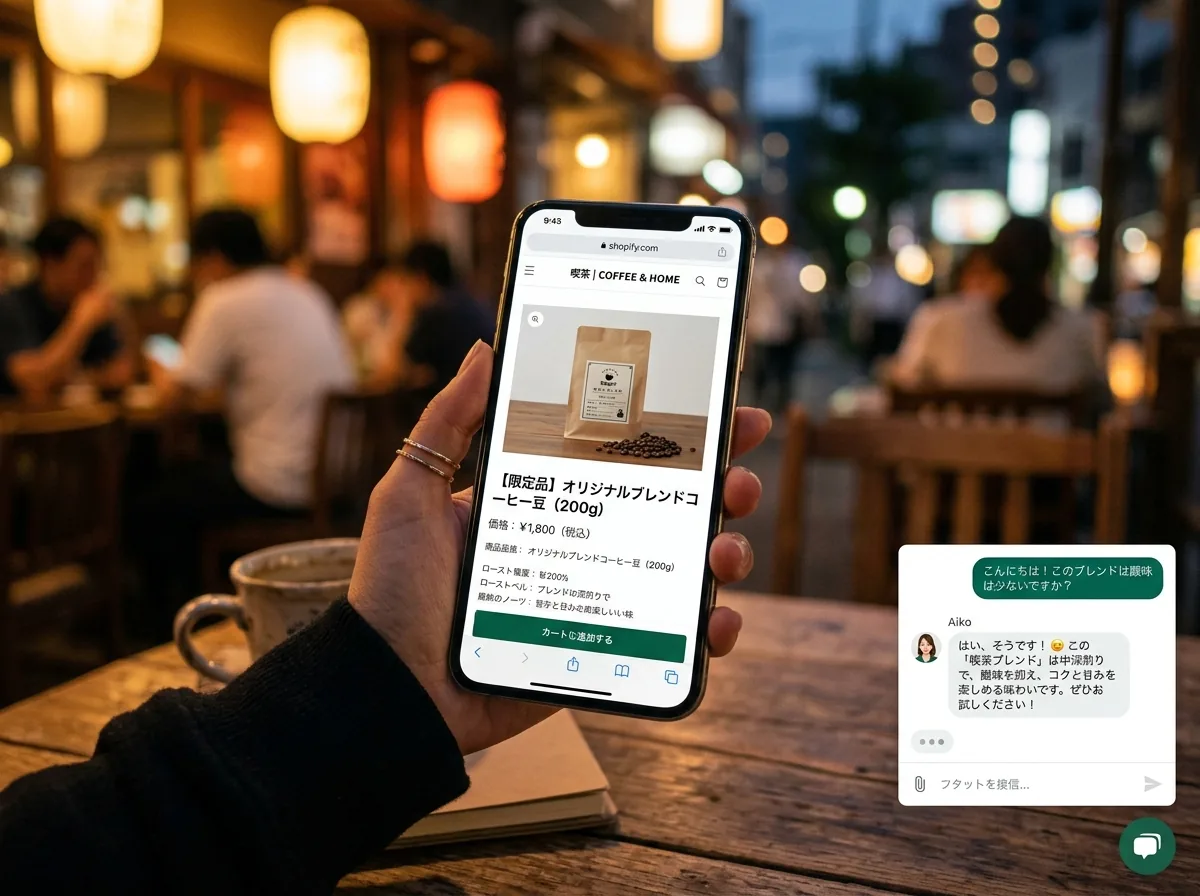
When a shopper from Tokyo lands on your product page at 11pm and wants to know if your jacket runs true to size — in Japanese — neither Sidekick nor the AI Toolkit is involved. That conversation happens (or doesn't) in whatever chat widget you've installed on your storefront. According to Baymard Institute, the average cart abandonment rate is 70%, and unanswered product questions are a major driver. CSA Research finds that 76% of consumers prefer buying in their own language.
This is the gap the Shopify AI Toolkit doesn't touch: the customer-facing AI layer. It's a different problem, with different requirements:
- Always-on. Customers shop at 3am in time zones you've never visited.
- Multilingual by default. Same store, dozens of customer languages, instant responses in each.
- Constrained to your content. The AI must answer from your FAQs — not invent shipping rates or hallucinate return policies.
- No raw API access. Customers should never be one prompt injection away from running mutations against your catalog.
These are exactly the constraints the AI Toolkit doesn't impose — because it isn't built for that use case. It's built to give your developers superpowers, not to serve your shoppers.
The Two-Sided AI Stack for Modern Shopify Stores
The cleanest mental model: in 2026, a well-run Shopify store has two AI layers, doing two different jobs.
| Merchant-Side AI | Customer-Side AI | |
|---|---|---|
| Tools | Shopify Sidekick, Claude + AI Toolkit | FAQ chatbot widget on your storefront |
| Who uses it | You, your team, your developers | Your customers |
| What it does | Manages your store, writes code, analyzes data | Answers product, shipping, and policy questions |
| What it needs | Admin API access, code awareness | FAQ knowledge base, multilingual response, escalation |
| Failure mode | A bad mutation breaks your catalog | A bad answer loses a sale and damages trust |
Both are now solvable problems. The merchant side just got dramatically easier with the AI Toolkit. The customer side has been solvable for a while — if you've already covered it, great. If not, this is the half of the stack that directly affects revenue, and it's the easier of the two to set up.
Closing the Customer-Side Gap

For Shopify stores, adding a customer-facing AI chatbot is roughly the same level of effort as installing the AI Toolkit — one snippet, a few minutes. The key difference is what the AI is grounded in: instead of your Admin API, it's grounded in your FAQs, so customers get accurate answers without you risking a hallucinated shipping rate or invented return policy.
A solid customer-side setup for a Shopify store covers:
- Sizing, fit, and product specifics
- Shipping windows and rates by region
- Returns and exchanges policy
- Order tracking instructions
- Payment methods and currencies
30-50 well-written FAQs typically cover the majority of pre-purchase questions. Freshworks reports that well-structured chatbots automate up to 70% of routine support queries. And in 2026, the multilingual layer is essentially free — you write your FAQs once in English and the chatbot serves answers in 50+ languages on demand. We walk through the actual setup in our 5-minute Shopify chatbot integration guide.
If you're investing in the merchant side — pulling Claude into your dev workflow, letting Sidekick run analytics — not having a parallel investment on the customer side is the most expensive omission in your stack. The merchant-side AI helps you ship faster. The customer-side AI directly converts visitors into buyers.
Practical Workflow: Using Both Together
Here's what a realistic week looks like with both AI layers in place:
- Monday: Sidekick surfaces that returns spiked for one product line over the weekend. You ask Claude (via the AI Toolkit) to pull the order details and run a query against customer feedback for that SKU.
- Tuesday: Claude identifies a sizing complaint pattern. You update the product description and add a new sizing FAQ to your customer-facing chatbot — future customers asking the same question get the answer instantly.
- Wednesday: A spike of Japanese customers hits your store. They ask shipping and return questions in Japanese; the customer-facing chatbot handles them. The conversations show up in your dashboard so you know which content is in demand.
- Thursday: You ask Claude to bulk-add a "Ships from Japan within 3 days" metafield to the right products, with a corresponding FAQ entry created in your chatbot dashboard.
- Friday: Sidekick gives you a containment-rate report — what percentage of customer questions the chatbot resolved without your team. Anything below 70% is a content gap to fix.
Same two AIs, two different jobs, one tightly integrated workflow.
What's Next
The Shopify AI Toolkit is the start of agentic commerce going mainstream. Anthropic is publicly investing in this space — their April 2026 Project Deal experiment tested multi-agent buyer/seller workflows where AI represents both sides of a transaction. Expect more native Shopify automation, more complex orchestration, and (eventually) shoppers using their own AI agents to negotiate and check out on your store.
None of that changes the basic shape of what you need today: a developer-side AI that helps you operate the store, and a customer-side AI that helps shoppers complete a purchase. The first one Shopify just made dramatically easier. The second one has been ready for a while — and if you haven't set it up, it's the higher-leverage of the two for converting the traffic you already have.
Getting Started
If you want to use Claude on Shopify today, here's the practical sequence:
- Install Claude Code. Free download from claude.com.
- Install the Shopify AI Toolkit. Run
/plugin marketplace add Shopify/shopify-ai-toolkitthen/plugin install shopify-plugin@shopify-ai-toolkitinside Claude Code. - Test against a development store first. Always. Mutations are live and irreversible on production.
- Enable Sidekick in your Shopify admin if you haven't already — it's included in your plan.
- Add a customer-facing chatbot to your storefront. Annona Bot is one option — one script tag, multilingual out of the box, 14-day free trial.
Ten minutes of setup gets you from "no AI in the stack" to "AI on both sides of the store." The merchant side helps you operate faster. The customer side helps you sell more. Both finally exist as production-ready tools in 2026.